
Do not make the same payment again
Check the payment provider's records, account transaction history, and current balance—these three separate places. SMS or push notifications alone are not conclusive proof. Keep records of the amount, date/time, method, reference, status, and before-after balance; cover PIN, OTP, phone, full account number, and NID in the screenshot.
- Open the payment sideNote the label that appears: debit, held, failed, or returned.
- Match account historyCheck if there is an entry with the same amount and time; ensure you are logged into another account.
- Check the balance twiceWrite down the balance before and after the page refresh; do not refresh repeatedly or make a new payment.
- Save the referenceKeep the full reference for yourself; only share the last part if needed.
If there are unusual requests or unknown sessions, proceed with caution Secure the account।
What do Pending, Failed, Reversed, and Completed mean
The meanings below are common transaction language; they do not represent specific processing times or guarantees for VB8. Make decisions by comparing the label with the actual balance and reference.
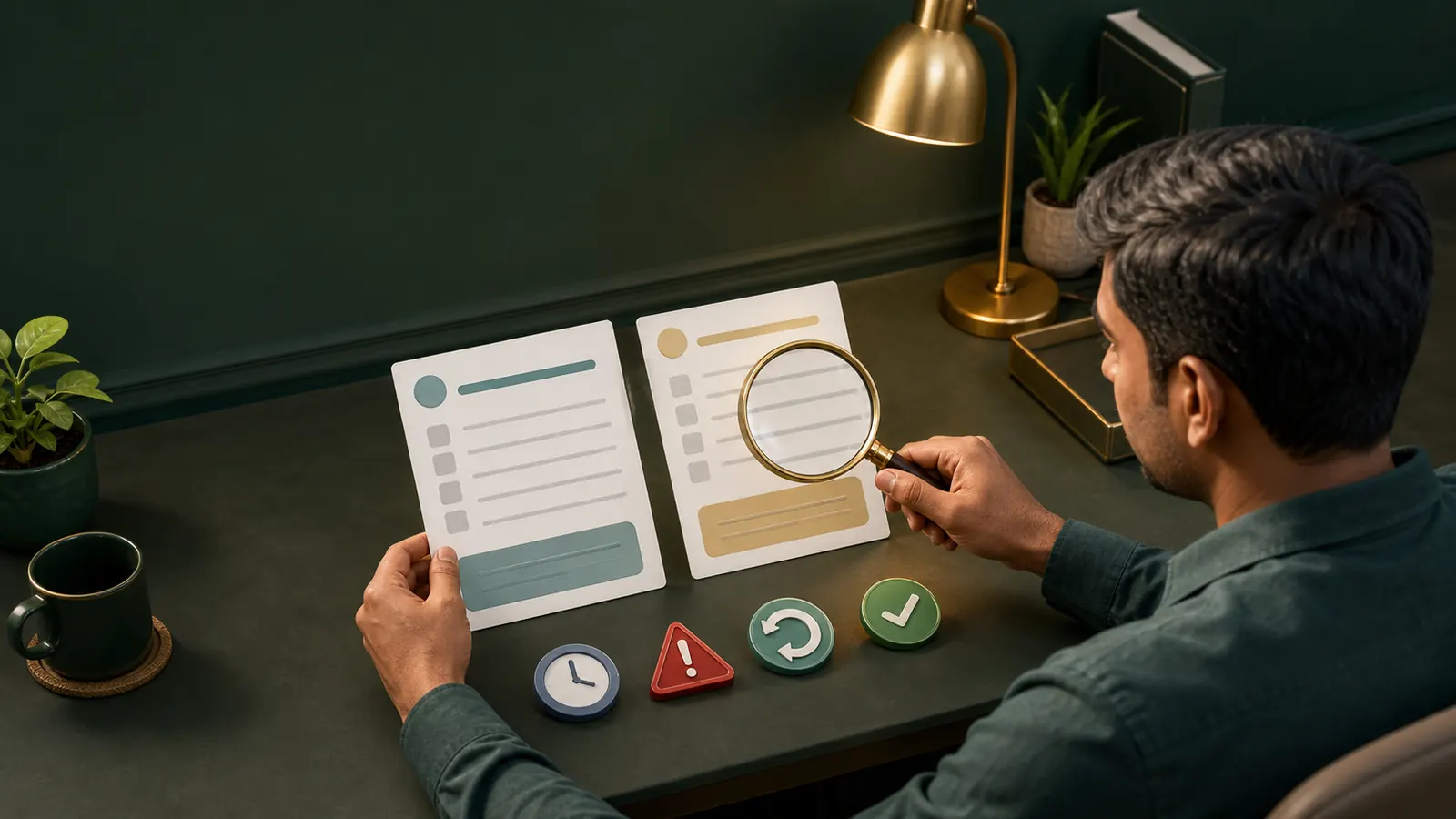
The request has been received, but processing is not complete—note the start and end change times.
The request may not be complete; still, check if the amount has been debited or temporarily held in the payment record.
A transaction may indicate a rollback, but ensure that the money has not returned to the account balance or payment source.
Even if the process is labeled complete, if the target balance has not changed, reconciliation of records with the reference is necessary.
If the balance does not increase after the deposit
Do not send money again. If you do not verify where the payment went, whether the reference is correct, what the currency/amount was, and which account you are logged into—trying again without this information can double the problem.
- Match recipient instructionsCompare the instructions on the account payment page with the actual records. If transferred to a personal phone number, stop and consider the high risk.
- Check the reference and amountIf there are typing errors, missing references, or other amounts, write down the exact difference; do not edit to change the proof.
- Confirm account identityCheck if you are on the correct username/profile; if on a shared device, log out safely.
- Log in again safely onceIf the browser refresh does not change, you can log out/login once; if there is a risk of secret access information, secure the password first.
- Create a proof packageGather time, amount, last part of the reference, two statuses, and partially covered screenshots together.
If someone asks for OTP, PIN, remote access, or extra fees in the name of a refund or loan, it is not payment assistance—it is a risk signal. Look for signs of fraud।
If the withdrawal is pending
Possible reasons for pending status could be request queue, account verification, name mismatch, method limit, or rule review; however, which one has occurred in your case cannot be determined without account messages. Do not assume fixed processing time.
- Do not resubmit the requestConsider duplicate withdrawal or cancel-and-retry only if clearly stated on the account page.
- Read the status and noticeNote the last updated time, verification message, method unavailable, or limit message exactly.
- Match the name and methodWrite down the difference if the account name and payment destination spelling are different; do not send new documents in chat.
- Keep a record of the last changesWrite the first pending time, last change, and balance movement on a timeline.
- Verify KYC conditionallyIf you see a KYC notice inside the Account, proceed only after checking privacy and secure upload.
Before providing new identity information KYC security policy Read.
If withdrawal failed or reversed
Failed means the request has not been completed—such a label; reversed usually indicates rollback. But do not assume that funds have returned just by seeing the label. Match the platform history, account balance, and payment service provider records—three separately.
Failed, balance could not be deducted
Note the Reason message. If the method is unavailable, name mismatch, or there is a rule message, read the current instructions on the account page; do not rush to make a new request.
Failed, debit is visible
Temporarily held, pending debit not final debit—check payment-side records. Keep reference and partial covered screenshots.
Reversed, account balance has returned
Write down the previous and current balance; if fees or adjustments are shown, note the visible breakdown on the page, do not create reasons on your own.
Reversed, funds are nowhere
Write down the discrepancy by matching the timestamps and references of the two records. Do not pay any extra “release fee.”
What can be known about bKash, Nagad, or Rocket
bKash, Nagad, Rocket, and Upay are well-known mobile financial services in Bangladesh. This country context does not in any way prove that VB8 supports any of these. Write down the method, limits, and fees shown on your confirmed account payment page as the information at that moment.
- Read the Merchant/recipient instructionsDo not use the social message number without the description from the account page.
- Keep PIN and OTP to yourselfIt is not safe to tell someone else the code to complete the payment.
- Reject refund feesDo not send new money under the guise of funds release, verification, or opening a frozen account.
- Stop communication while keeping evidenceSave screenshots of Profile, number, time, and demand covered.
PIN and OTP security See more details.
List of safe information to report issues
Fill in the template below in your note. This is not an external assistance form and does not allow sending sensitive information.
Incident time: [Date, time, timezone]
Type of transaction: [জমা / উত্তোলন]
Amount: [Full in your record, necessary part if shared]
Reference: [Last few characters if shared]
Payment-side status: [Exact label]
Account-side status: [Exact label]
Balance change: [Before / after]
Device and browser: [Common name]
Do not include password, OTP, PIN, full NID, full card/wallet number, or unmasked screenshots. If asked for payment or remote-control App to “unlock freeze,” do not make a new transaction. Steps to stop the loss Take.
Create an accurate timeline
Write down the payment start, service provider debit, account entry, status change, balance refresh, and any recovery message—each on a separate line. The file time of the screenshot may change, so keep the visible timestamp and your note together. If there are duplicate entries for the same reference, keep both; do not delete evidence.
Do not use a new method, another account, or another person's MFS number during the issue. This makes it even less clear which transaction matches which record. If the method shows as unavailable on the account page, do not avoid it; note it as the current condition.
Keep an exact label of the fee or limit in your private record, but do not disclose it as a universal VB8 rule. The method, limit, and fee shown on the payment page are the information at that moment; it may differ for another user, date, or method. During the report, provide facts, timeline, and partial hidden evidence—not assumptions or repeated payments.
Payment and withdrawal questions
Deposit has been deducted but the balance hasn't increased—should I give again?
No. Keep evidence by matching the payment-side record, account history, reference, and balance. The processing channel and time depend on the actual account page. See the deposit steps।
How long can the Pending status last?
The specific time is not confirmed. Write down the start time and last change, and check the visible instruction on the account page; the time may vary according to the method and verification. Understand the status।
What should I do if it shows Failed but the money was deducted?
Keep a reference and masked screenshot by combining account history, balance, and payment-side record—this cannot be said to be failed, temporary hold, or reversal without the actual record. Take a secure template।
Does Reversed mean the money has been returned?
Generally, it can mean rollback, but the label alone is not proof of funds returning. Check where it has returned in both account balance and payment source; the time may vary according to the method. See the reversed steps।
What if someone asks to send money to a personal MFS number?
Stop. Do not provide PIN/OTP, do not send unlock fee, and keep evidence. This site cannot verify the identity of the person. Recognize fake support।
What should I do if KYC is requested again for withdrawal?
Only check notice, privacy, and secure upload within your confirmed account. Do not send files in chat; the specific KYC condition of VB8 is not confirmed. Verify KYC।