
Check if the VB8 App really exists first
Verification date: August 4, 2026. Reliable VB8 store listings, developer identities, or package ownership cannot be confirmed by verifying publicly available information. So, assume any App is “not verified” and cross-check the source, identity, and permissions. The App seen on Google Play used for vehicles named BV8 has a different character sequence and purpose; do not think of it as VB8 just by looking at the icon.
- Match by name characters VB8, BV8, V8B, or other spellings with spaces are not the same thing.
- Check the developer's identity See if the developer's name, privacy policy owner, and support description match with each other.
- Note the package name Even if the App name is the same, the package may be different; stop if not confirmed independently.
- Check the type of updates and reviews Lack of date, sudden many generic comments, or discrepancies in descriptions are warning signs; these alone are not proof of fraud.
- If not found in the store, do not install If only an APK file is provided, the identity and source become more uncertain.
To reduce the risk of fake domains Account Security See.
How to verify the risks of APK files
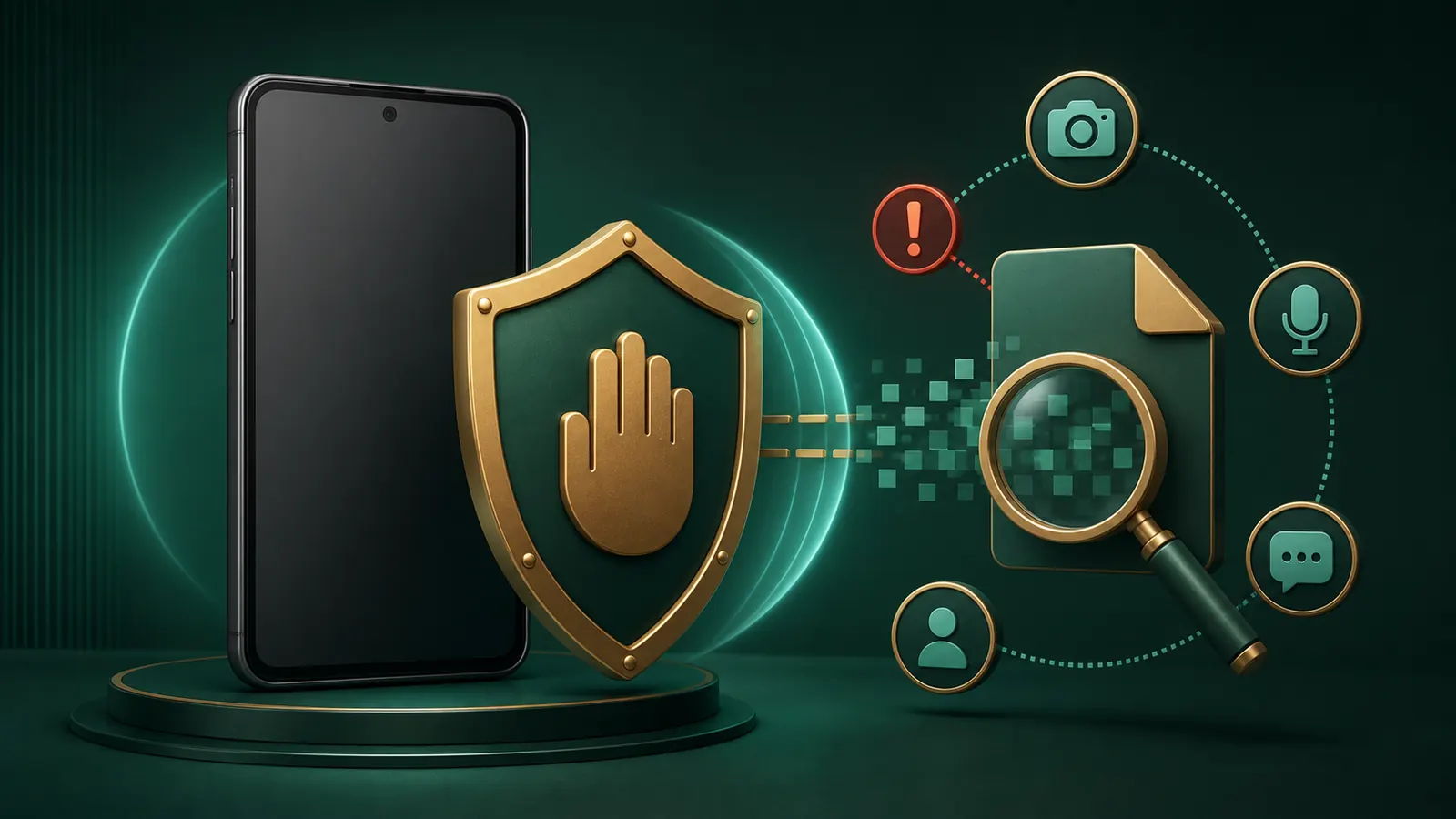
Unknown-source installation brings additional risks to device, messages, contacts, and account data. This site does not confirm whether any specific VB8 APK is safe or harmful.
- Check the source and HTTPS If there is a redirect chain, short link, or new unknown host, stop the download. HTTPS does not prove identity.
- Compare the file name and size If files with the same name repeatedly have different sizes, do not install until the reason is independently known.
- Match only if the hash is provided by a trusted publisher Random third-party hashes do not provide credibility by themselves.
- Take security scan warnings seriously If Play Protect or another trusted scanner alerts, do not bypass, stop-and-review.
- Decide anew if the file changes Previous scan results do not apply to the new file.
If risks are clear Pause and make safe decisions Take.
Understand the reasons before asking for permissions
Do not just click “Allow” by seeing the name of the Permission. Reject permissions until you understand the relation to the App's main function, when it will access, and what happens if revoked.
Camera and microphone
Ask why background access is needed without a clear reason for identity capture or call.
SMS and contacts
Can read OTP, personal messages, and contact lists. The convenience of automatic OTP does not eliminate privacy risks.
Accessibility and overlay
Can create the ability to view the screen, press buttons, or layer over another App; reject if unnecessary.
Device administrator and installed apps
If asking for the ability to make uninstallation difficult or install another package, stop without strong reasons and trusted identity.
- Read the list before Install Write the function next to each permission. Reject if not matching.
- Check Settings after Install Withdraw unnecessary permissions and understand the impact of limiting background data.
- Keep device locked and updated Keep screen lock, OS updates, and Play Protect enabled.
PIN and OTP security Check at the same time.
Mobile webpage is not opening or is breaking.
White screen, button not working, endless loading or formatting breaking due to network, browser cache, script blocking, wrong device time, old WebView or low storage. The server down cannot be confirmed by this site.
- Change the network once Switch between Wi‑Fi and mobile data; do not bypass blocks with VPN or proxy.
- Update the browser and WebView Use system updates from a trusted app store, not unknown APKs.
- Restart the phone and check storage If low storage, remove unnecessary local files; be cautious not to backup sensitive screenshots.
- Clear only the cache of that site Understand what you will lose before deleting all passwords/data; use single-site information first.
- Set Date/time to automatic Wrong time can cause issues with certificates, sessions, and OTPs.
If the page opens but there is a login error Login issues View separately.
If abnormal behavior is observed after installation
Repeated popups, excessive battery drain, self-starting, unknown SMS/notifications, overlay, redirect, or account login alerts are serious review signals. Immediately stop sensitive payments or logins.
- Stop sensitive tasks from the network Do not provide passwords or payments while keeping unknown apps open.
- Revoke permissions and uninstall suspicious apps Device administrator/Accessibility may need to be turned off first; do not bypass instructions, use system Settings.
- Run Play Protect scan Avoid account access until system updates and security scans are complete.
- Change passwords from a clean device First, connected email/phone, then account; also change reused passwords.
- Check sessions and transactions Save time and screenshots of unknown logins, messages, or transactions.
Complete incident response Follow up.
8-point app verification checklist
- Identity Does the name, developer, and privacy owner show the same identity?
- Source Is it obtained from your trusted record, or from messages/advertisement/short links?
- Package Does the package name match independently?
- File consistency Do the file name, size, and hash (if provided by a trusted publisher) match?
- Permissions Are there clear reasons for SMS, Accessibility, administrator, or install-apps?
- Security Are Play Protect and system alerts clear, and not pressuring to disable anything?
- Law Has the current law of Bangladesh and personal risks been reviewed?
- Exit plan If abnormal, is there a plan to uninstall, change passwords, check sessions, and take breaks?
Brief questions related to the app See.
Low-bandwidth and storage check
If the download stops midway, do not attempt to install partial files. Check if the file is complete, if the size matches the expected value, and if there is enough space in storage. If the same file is downloaded repeatedly on public Wi‑Fi or unstable networks, each copy must be verified separately.
While clearing storage, do not delete password manager database, recovery codes, proof screenshots, or system files. If sensitive screenshots are needed, use protected offline storage; also check where gallery sync is going.
Do not install unknown packages over an old install when an app update is requested. Verify the developer, package name, source, and permissions again, because the “update” label does not prove the same publisher. If the system shows a signature mismatch, package mismatch, or downgrade warning, stop the installation. Note the error text, but do not look for bypass commands or modified APKs.
Common questions about App and APK
If you see BV8 on Google Play, is it the VB8 App?
No, assume not. The familiar BV8 listing is of automotive tool type and the letter order of the name is also different. It is uncertain whether there is any other VB8 App; match the developer, package, and description by character. Check App identity।
Should I turn off Play Protect to install APK?
No. Play Protect checks unknown Apps; do not bypass the warning, re-verify the file and source. It is uncertain whether any specific APK is safe. View APK risks।
What should I do if the App asks for SMS or Accessibility permission?
If the need for permission is not clear with the main function, deny or revoke. These may grant sensitive access to messages, OTP, or screen actions; the legitimate need of the specific App is uncertain. Review permissions।
How to check if the mobile page appears white?
Change the network, update the browser/WebView, check the date/time, and clear the single-site cache. Do not bypass with VPN; the server status cannot confirm this site. View mobile steps।
What problems arise if the size of the same APK file changes?
Stop the install, check the source, filename, hash—if from a trusted publisher—and match with the new scan result. Do not assume the reason for the change is malware or safe by yourself. View file check।